Your day, run for you
Your AI Personal Secretary
Speak or type; Secretar turns it into calendar events, tasks, reminders, and a day plan on real screens you keep with you.
Guest mode on device
8 languages
Google, Apple, Outlook sync
How it works
Try locally, then claim your data
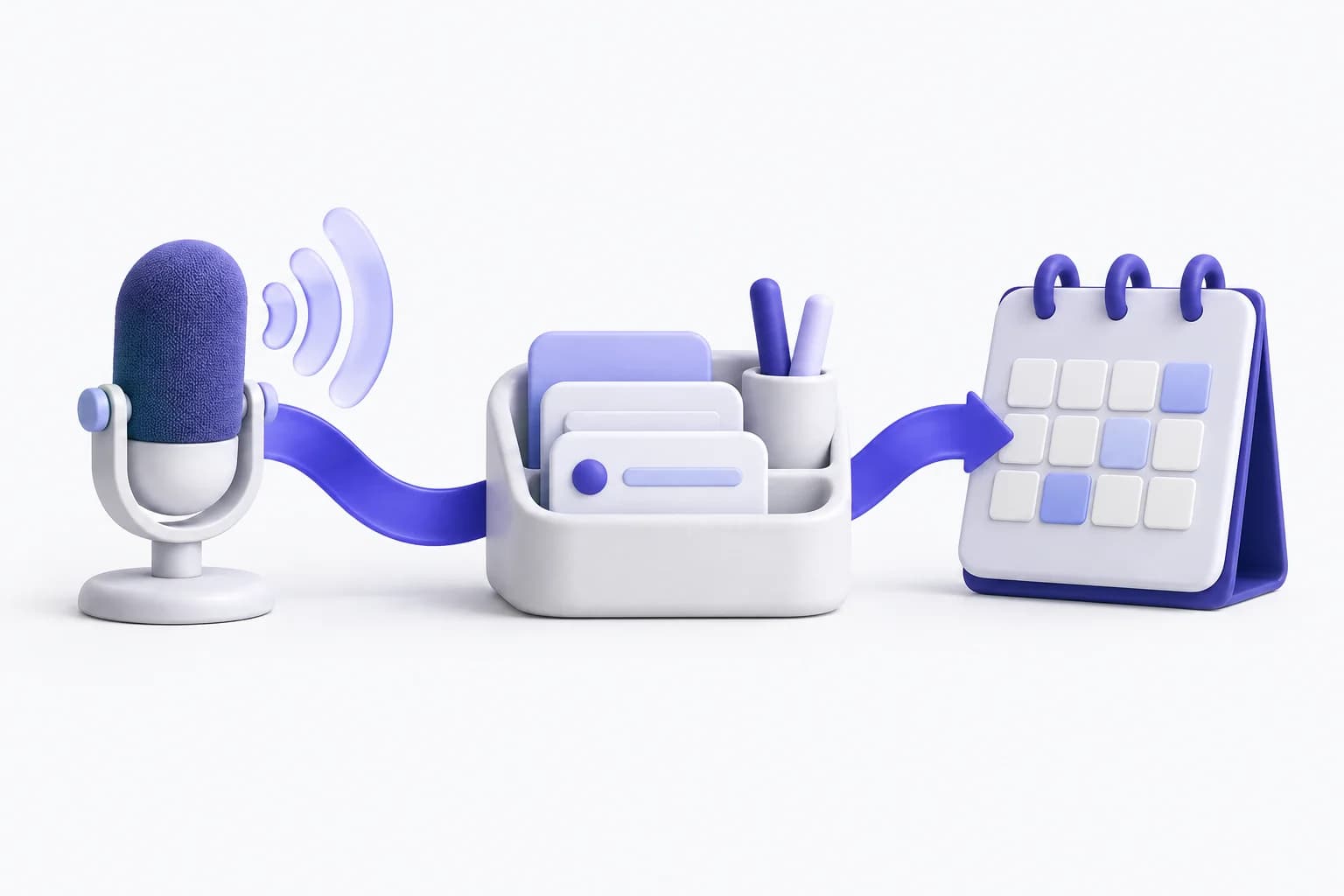
Three steps. Guest never becomes a hidden server user.
- 1
Try on this device
Open the app and continue as a guest. Events, tasks, reminders, and habits stay on this device. No anonymous user is created on the server.
- 2
Create an account to keep it
Create an account or sign in. The app copies your local snapshot, then sends only events, tasks, reminders, habits, and preferences. Guest mode ends after that request succeeds.
- 3
Upgrade only for paid tools
Free keeps a signed-in calendar and push reminders. Pro and Premium add calendar sync, plan day, booking links, assistant tokens, memory, and recordings up to the published caps.
Features
Everything a personal secretary does
Every card below opens a screen-by-screen tour of that capability on the features page.
Voice and natural language
Say a sentence; it becomes an event, task, reminder, or fact. The rule-based parser runs on your own server with no external model; the LLM assistant works in 8 languages.
See the screen tourCalendar and day plan
A Today summary, a month and week calendar, and a day planner that packs your tasks into focus blocks.
See the screen tour
Reminders that arrive
Push and voice reminders fire at the offset you set before each event starts.
See the screen tour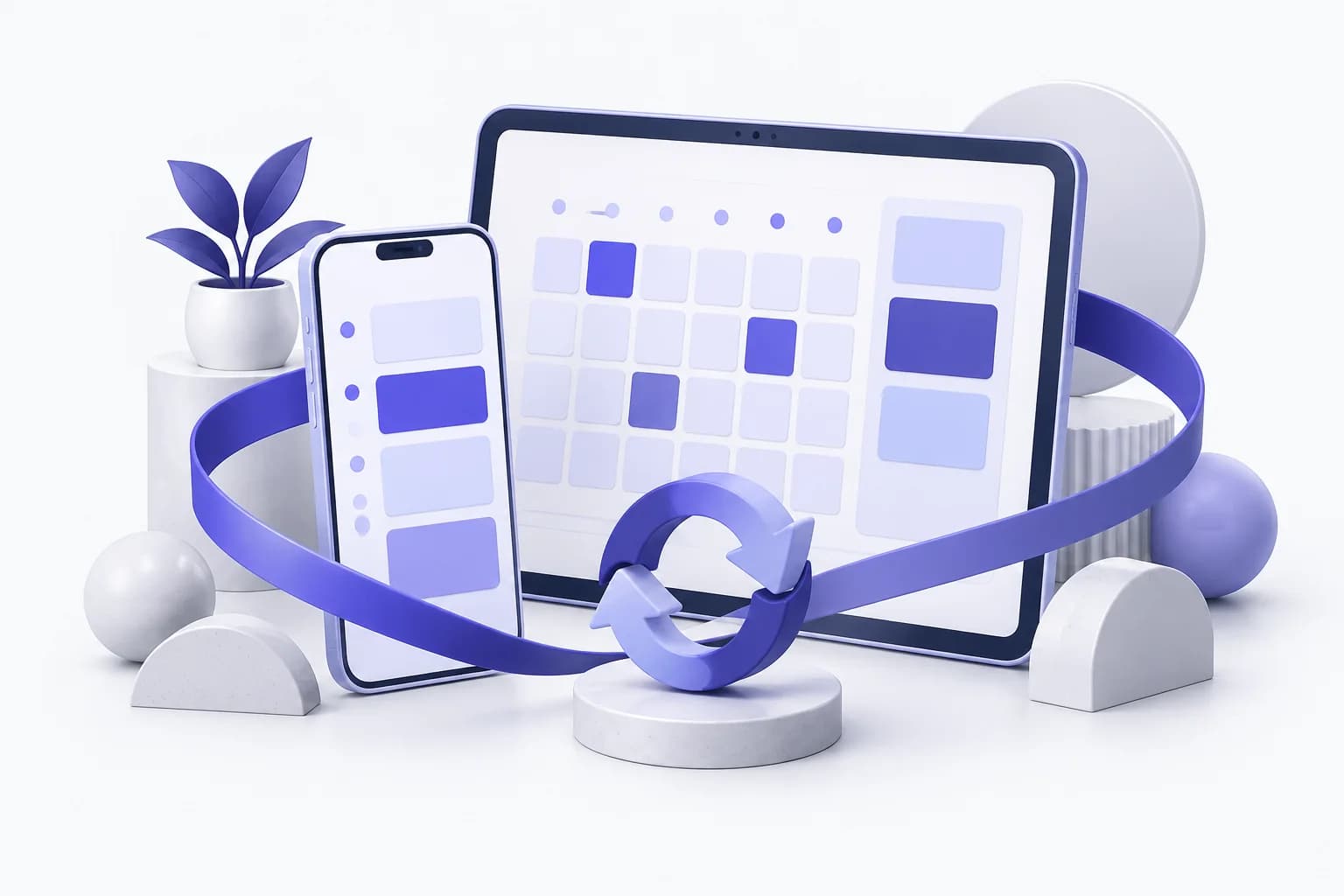
Google, Apple, Outlook sync
Connect your existing calendars and keep one agenda across providers.
See the screen tour
Privacy controls
Local-only mode, an audit log of assistant model calls, one-tap memory export, and a full assistant-data wipe from the app.
See the screen tour
Assistant in 8 languages
Talk to the assistant in English, Russian, Spanish, French, German, Portuguese, Turkish, or Japanese.
See the screen tourPlans
Guest, Free, Pro, and Premium
Guest stays on this device. Free is an account with local calendar and reminders. Pro and Premium add assistant usage and paid tools.
| Feature | Guest | Free | Pro | Premium |
|---|---|---|---|---|
| Price | Free | Free | $4.99 / month | $9.99 / month |
| Events, tasks, reminders, habits on device | Yes | Yes | Yes | Yes |
| Signed-in cloud calendar | No | Yes | Yes | Yes |
| Push reminders | After you create an account | Yes | Yes | Yes |
| Guest action window | 50 local actions in 7 days | No guest cap | No guest cap | No guest cap |
| LLM assistant tokens / month | Not included | Not included | 500,000 tokens / month | 5,000,000 tokens / month |
| Google, Apple, Outlook sync | Not included | Not included | Yes | Yes |
| Plan day | Not included | Not included | Yes | Yes |
| Booking links | Not included | Not included | Yes | Yes |
| Memory facts | Not included | Not included | 1,000 memory facts | 100,000 memory facts |
| Voice recordings | Not included | Not included | 120 recording minutes / month | 1,200 recording minutes / month |
Pricing
Simple, published pricing
Prices come from public app settings. Upgrade or cancel anytime. Paid plans are not granted by the client.
Free
A signed-in calendar and reminders. No guest cap once you have an account.
- Events, tasks, and habits in the cloud
- Push reminders
- Today view and calendar
Pro
Voice assistant, calendar sync, planner, booking links, and published usage caps.
- Everything in Free
- 500,000 LLM tokens / month
- Google, Apple, and Outlook sync
- Plan day
- Create and edit booking links
- 1,000 memory facts
- 120 recording minutes / month
Premium
Higher assistant, memory, and recording caps for heavy use. Not unlimited, and not a family plan.
- Everything in Pro
- 5,000,000 LLM tokens / month
- 100,000 memory facts
- 1,200 recording minutes / month
FAQ
Questions we actually get
Do I need an account to try the app?
No. Guest mode writes only on this device. A server user is created when you register or sign in — never for an anonymous session.
What can I do as a guest?
Guest can create events, tasks, reminders, habits, and preferences locally, up to the public action and day limits. Other tools — assistant, recordings, calendar sync, plan day, projects, comments, filters, Telegram, and profile edits — ask you to sign in.
What happens to guest data when I create an account?
After you sign in or register, the app copies your local snapshot and sends only an allowlisted payload: events, tasks, reminders, habits, and optional preferences. Local data stays until that request succeeds. An empty snapshot skips the request and just leaves guest mode.
What is the difference between Free and Pro?
Free is a signed-in account with local events, tasks, reminders, and the today view. Pro adds calendar sync, plan day, booking-link writes, LLM tokens, memory facts, and recording minutes up to the published caps. Premium raises those caps. Free does not include those paid tools.
Does Premium include unlimited LLM tokens?
No. Each plan has a monthly token cap from public settings. Free is zero, so the assistant LLM is not available. Pro and Premium have finite caps, not unlimited usage.
Is there family sharing?
No. There is no family sharing and no household seat count. Each account is individual.
Where is my data stored?
Guest data stays on the device until a claim succeeds. Signed-in users can wipe memory and recordings from privacy controls. We do not sell your data.
Can I cancel or downgrade?
You can cancel or downgrade your own plan at any time. Paid plans are granted through the app store (or an admin grant), not by the client writing Pro onto the account.
Privacy
Your data stays yours
Guest data never leaves the device until a claim succeeds. Signed-in users get an audit log of model calls, local-only mode, memory export, and a full assistant-data wipe.
Local-only mode
Flip one toggle and new events, tasks, and reminders stay on the device until you turn it off.
Audit log
External service call history
Export and wipe
Delete memories, recordings, transcripts and external-call logs. Your account, events and tasks are kept.
Get the app
Start as a guest on this device, then create an account when you want the same calendar on the server.
Requires iOS 15.0 or later, or Android 8.0 and up.