


S
Secretar
FeaturesHow it worksComparePricingFAQGet the App
Get App

Features

Everything a personal secretary does

Every card below opens a screen-by-screen tour of that capability on the features page.

Voice and natural language

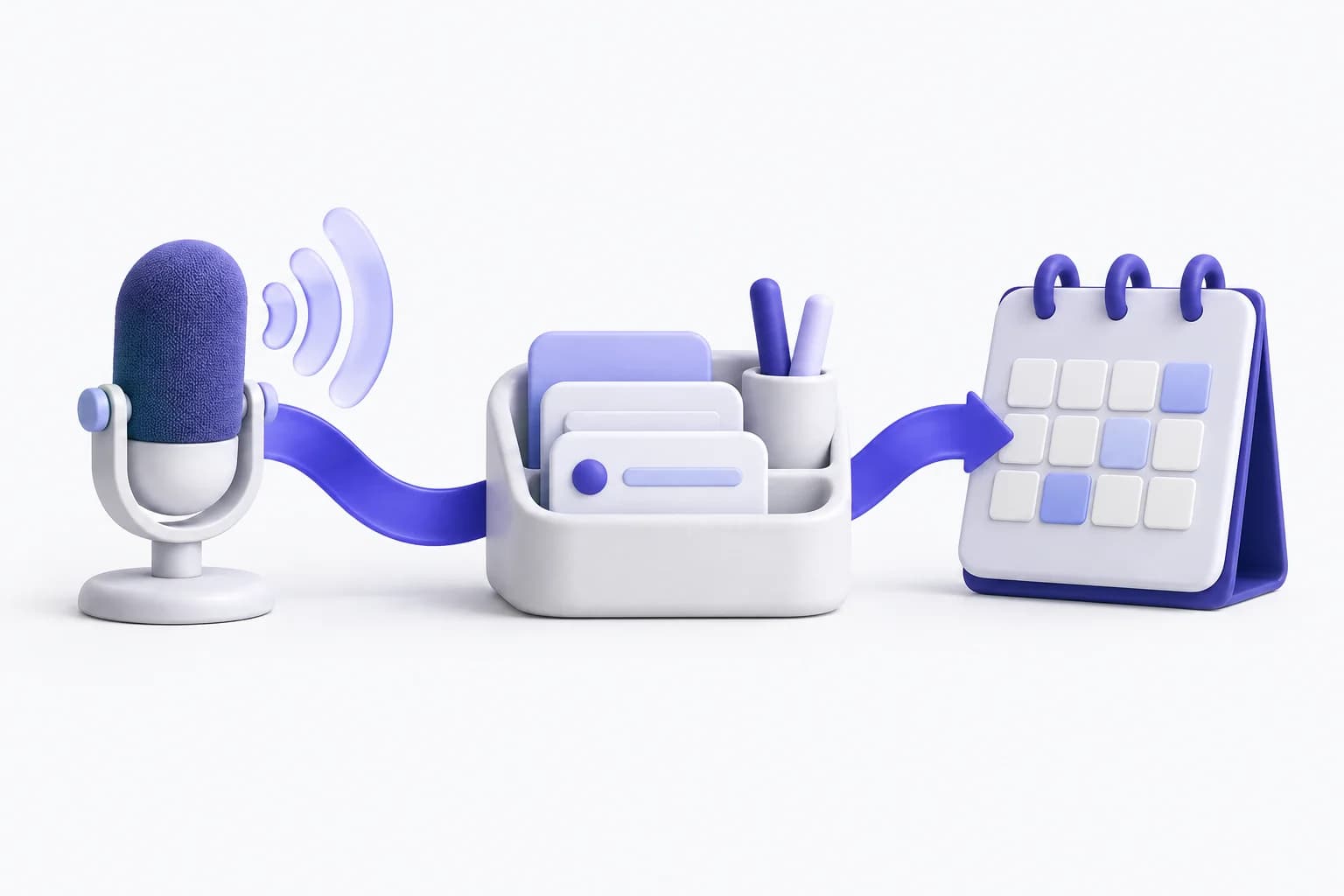
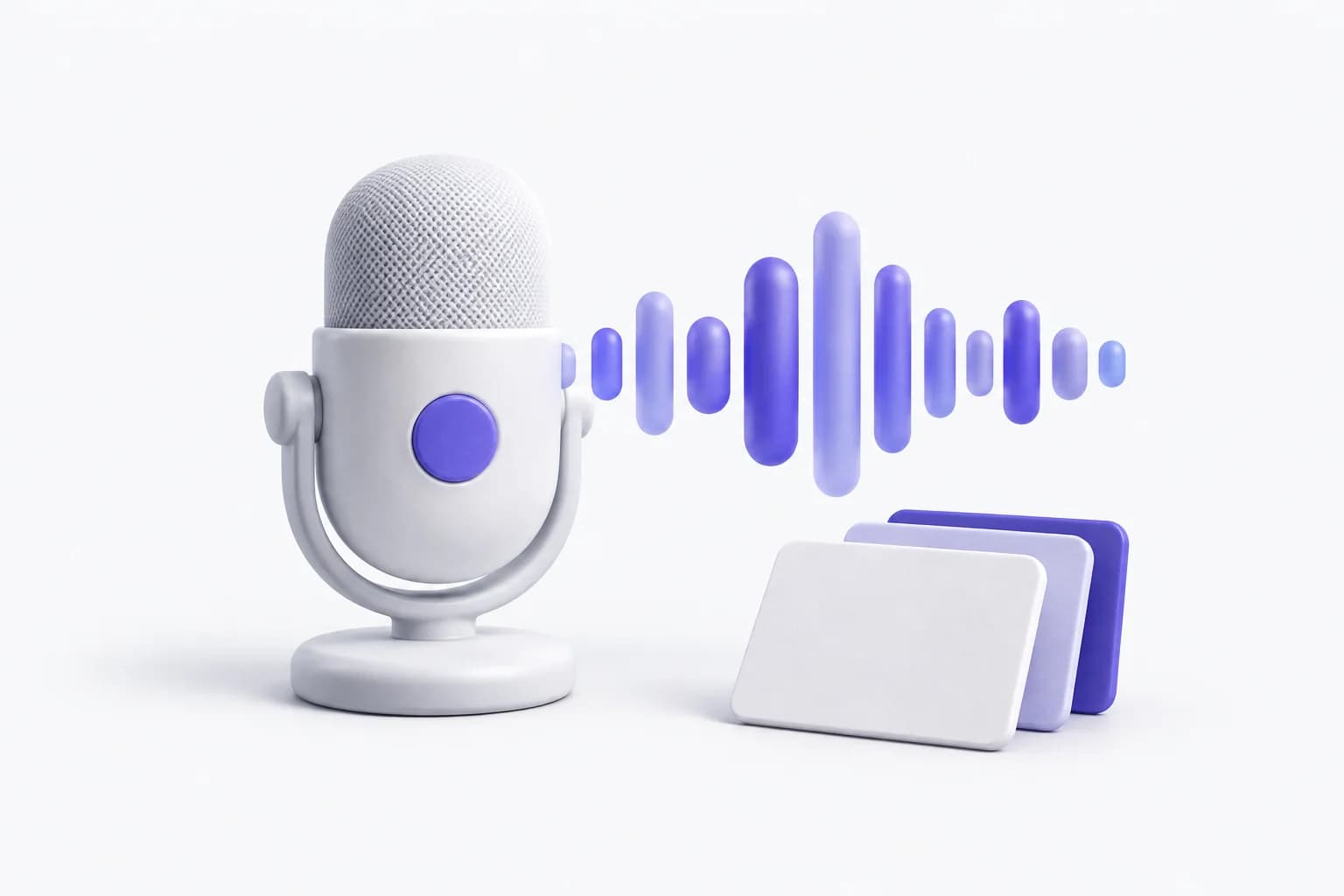
Say a sentence; it becomes an event, task, reminder, or fact. The rule-based parser runs on your own server with no external model; the LLM assistant works in 8 languages.

See the screen tour

Calendar and day plan

A Today summary, a month and week calendar, and a day planner that packs your tasks into focus blocks.

See the screen tour

Reminders that arrive

Push and voice reminders fire at the offset you set before each event starts.

See the screen tour

Google, Apple, Outlook sync

Connect your existing calendars and keep one agenda across providers.

See the screen tour

Privacy controls

Local-only mode, an audit log of assistant model calls, one-tap memory export, and a full assistant-data wipe from the app.

See the screen tour

Assistant in 8 languages

Talk to the assistant in English, Russian, Spanish, French, German, Portuguese, Turkish, or Japanese.

See the screen tour

Screen tour

Every capability, on its real screen

Each block shows the actual app layout: what you see is what the Flutter app renders. No stock illustrations.

Voice assistant

Speak a command and watch it become a real record. The phrase goes through intent detection, the assistant confirms, and the event lands in your calendar with time, location, and reminders.

  • Rule-based NLU runs without any LLM and stays free
  • LLM assistant works in 8 languages when enabled
  • Every action streams back with a visible status chip

Today screen

One glance before you start: a greeting, how many events today, when the next one starts, and the full timeline grouped by hour. A one-tap banner hands the day to the planner.

  • Next event pinned at the top of the summary
  • Events grouped by hour buckets, like the app
  • Pull to refresh after an offline change

Calendar and sync

A month and week view with event dots, plus local, Google, Apple, and Outlook sources under one agenda.

  • Event dots per day, month and week views
  • Local plus Google, Apple, and Outlook accounts
  • Conflict warnings when two events overlap

Tasks and projects

Backlog and scheduled statuses, priority dots, labels, and saved filters. Scheduled tasks are what the day planner packs into focus blocks, so nothing in the backlog is a dead note.

  • Filter chips for all, backlog, scheduled, done
  • Priority at a glance with color dots
  • Saved filters you can reuse every week

Day planner

Plan day packs scheduled tasks and backlog into focus blocks around your events and working hours. You see the merged timeline, accept it, and the day is set.

  • Backlog plus scheduled tasks become blocks
  • Respects working hours and existing events
  • Blocks persist and survive reloads

Reminders

Choose when to be reminded before an event. Push delivery requires a signed-in account, notification permission and a configured delivery service.

  • Per-event offset, set once
  • Push delivery for signed-in users
  • Standalone reminders linked to your events

Habits

Repeating habits with preferred start times, durations, and energy levels. Enabled habits flow into the day planner like any other commitment.

  • Daily or custom recurrence rules
  • Preferred start and end windows
  • Toggle a habit off without deleting it

Action inbox

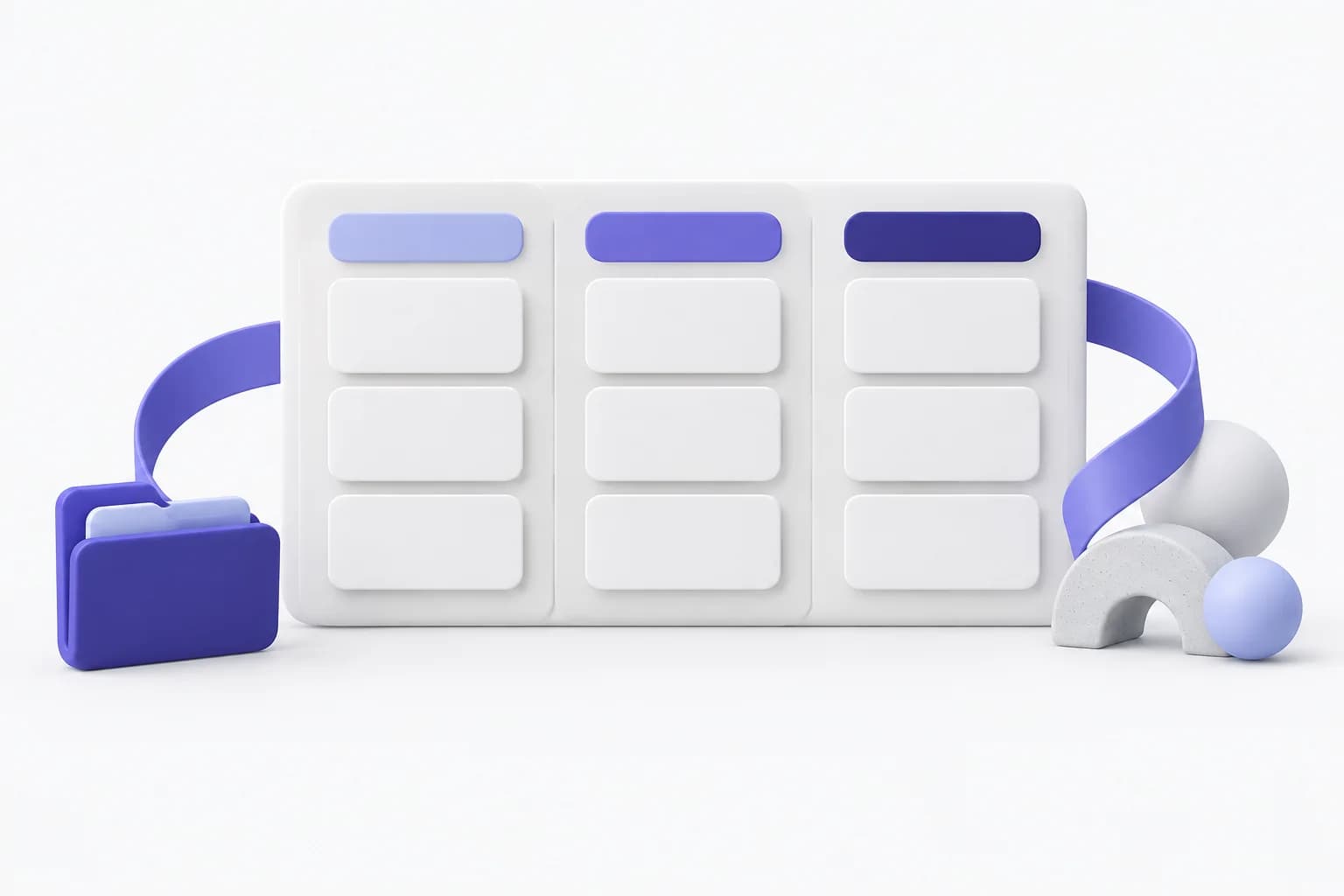
Suggestions land in the inbox as task, event, reminder, or fact proposals. Apply creates the real record in your calendar or task list; dismiss just drops it. Bulk apply handles a whole recording at once.

  • Pending, applied, and rejected tabs
  • Apply creates a real entity, not a status flip
  • Select several and apply in one tap

Memory

Facts the assistant learned about you, with a category and a confidence score. Delete a single fact, or wipe everything from privacy controls. Pro and Premium raise the cap; Free stays at zero.

  • Facts with category badges and confidence
  • Delete one fact without touching the rest
  • Wipe everything from the privacy screen

Voice recordings

Upload an audio recording. The transcript comes back, and the extracted actions land in your inbox as real proposals you can apply. A meeting becomes tasks and events without typing.

  • Uploads capped by your server's configured size limit
  • Transcript with extracted actions
  • Actions apply straight into the inbox

Scheduling link

Share a public link; visitors pick a slot without signing in, and the booking lands in your calendar as an event with the guest attached. Creating links requires Pro or Premium.

  • Public slug, no login for guests
  • Slot grid grouped by day
  • Confirmed booking becomes a real event

Projects

Group related tasks and events under a project with its own color and progress. Archive finished work without losing history, and see each project's completion at a glance.

  • Colored projects with progress bars
  • Sections and task lists inside each project
  • Archive projects without deleting their tasks

Weekly analytics

Understand how your week actually went: completion rate versus last week, completed and created tasks, deep-work minutes, and where your hours went. The weekly streak keeps momentum visible.

  • Completion rate with week-over-week delta
  • Completed, created, and skipped task counts
  • Deep-work and meeting time breakdown

Settings & control

One place for language, working hours, scheduler behavior, voice, notifications, and subscription. Everything the assistant obeys is visible and editable — no hidden configuration.

  • Language, working hours, and scheduler options
  • Voice speed, pitch, and speaking reminders
  • Plan, integrations, and data tools in one list

Privacy screen

Delete memories, recordings, transcripts and external-call logs. Your account, events and tasks are kept.

  • Local-only mode toggle
  • External service call history
  • Export memory
Download Secretar

How it works

Try locally, then claim your data

Three steps. Guest never becomes a hidden server user.

  1. 1

    Try on this device

    Open the app and continue as a guest. Events, tasks, reminders, and habits stay on this device. No anonymous user is created on the server.

  2. 2

    Create an account to keep it

    Create an account or sign in. The app copies your local snapshot, then sends only events, tasks, reminders, habits, and preferences. Guest mode ends after that request succeeds.

  3. 3

    Upgrade only for paid tools

    Free keeps a signed-in calendar and push reminders. Pro and Premium add calendar sync, plan day, booking links, assistant tokens, memory, and recordings up to the published caps.

Privacy

Your data stays yours

Guest data never leaves the device until a claim succeeds. Signed-in users get an audit log of model calls, local-only mode, memory export, and a full assistant-data wipe.

Local-only mode

Flip one toggle and new events, tasks, and reminders stay on the device until you turn it off.

Audit log

External service call history

Export and wipe

Delete memories, recordings, transcripts and external-call logs. Your account, events and tasks are kept.

Read the privacy policy

Get the app

Start as a guest on this device, then create an account when you want the same calendar on the server.

Download on theApp Store
GET IT ONGoogle Play

Requires iOS 15.0 or later, or Android 8.0 and up.

S
Secretar

Your personal AI secretary for calendar, tasks, and reminders. Guest mode on device, cloud when you sign in.

Product

  • Features
  • How it works
  • Compare plans
  • Pricing
  • FAQ
  • Download
  • Changelog

Company

  • About
  • Blog
  • Careers
  • Contact

Legal

  • Privacy policy
  • Terms of service

© 2026 Secretar. Built with care. Your data stays yours.